11 Codebook
After a questionnaire is created, the next step is to create an electronic version. The electronic versions however come with specific peculiarities, some of which need to be linked with the original questionnaire. The link between the questionnaire and the electronic data entry application is the codebook. A designed electronic database may look like the figure below:
| Variable name | Source | Meaning | Codes | Valid range | Format |
|---|---|---|---|---|---|
| id | Q1 | 5 | 2020 | 120/80 hhhh | 9 |
| sex | Q2 | 2 | 2019 | 132/66 | 9 |
| byear | Q3 | 12 | 2010 | 110/76 | 9 |
| schooled | Q4 | 3 | 1982 | 144/98 | 8 |
| children | Q5 | 8 | 2000 | 117/77 | 8 |
However, the data is typically organized in a row and column matrix as shown below, with each column representing a variable. This is as depicted below:
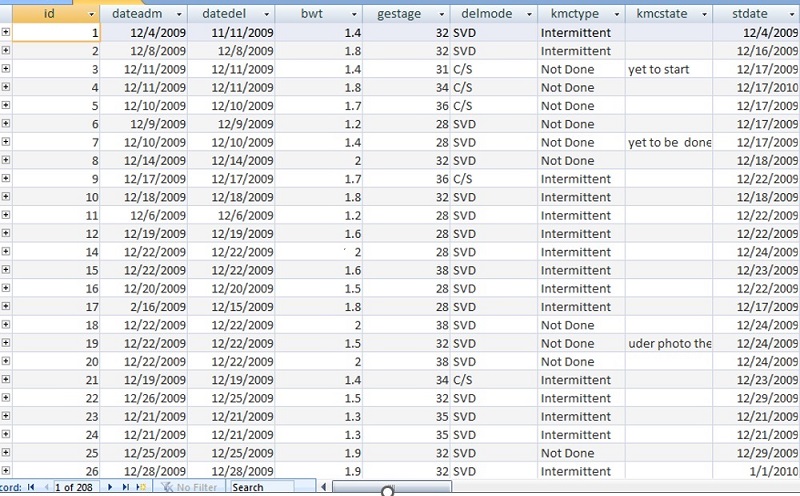
Linking the data collection screen and the data may be challenging in the absence of the codebook. For instance, the link between the variable names and questions in the questionnaire can be challenging.
A typical codebook has various parts. These are the Variable name, Source, Meaning, Codes, Valid Ranges and Format